


There is a moment, about four minutes before a live event goes on air, when someone stares at a bitrate graph and quietly hopes.
The camera is fine. The encoder is fine. Somewhere between the venue and the cloud, though, is a stretch of public internet nobody controls — a hotel uplink, a bonded 5G modem, a contractor's Wi-Fi — and everything depends on packets crossing it in order and on time.
For twenty years the answer to that problem was RTMP, then a prayer. SRT exists because the industry finally decided the prayer was optional.
What is SRT?
SRT stands for Secure Reliable Transport. It is an open-source transport protocol, originally developed by Haivision and released under an MPL licence in 2017, designed to move high-quality video across unpredictable public networks with low latency and without visible damage.
It is governed in the open by the SRT Alliance, and — the part that matters commercially — it is royalty-free.
The one-sentence version: SRT gets broadcast-grade video across the open internet reliably enough that you stop needing a satellite truck or a leased line.
Three properties define it:
- Reliable. It recovers lost packets without waiting for TCP's blunt retransmission behaviour.
- Secure. AES encryption is built in, not bolted on.
- Low-latency and tunable. You choose the latency budget rather than accepting whatever the protocol gives you.
First mile, not last mile
This is the single most common misunderstanding, and it is worth settling immediately.
SRT is a contribution protocol — the first mile, getting video from the camera or encoder into your platform. It is not a delivery protocol. Your viewers will never receive SRT; they receive HLS or MPEG-DASH over a CDN, because those scale to millions of concurrent viewers and SRT does not try to.
So the honest comparison is SRT vs RTMP, not SRT vs HLS. As our RTMP article puts it, comparing a first-mile protocol to a last-mile one is like comparing a fuel tank to a tailpipe.

How SRT actually works
UDP with the good part of TCP added back
TCP guarantees delivery but enforces strict ordering — one lost packet stalls everything behind it, and the recovery behaviour is tuned for file transfer, not video. UDP is fast and never stalls, but loses packets silently and video falls apart.
SRT runs on UDP and adds selective recovery on top, using ARQ (Automatic Repeat reQuest). The receiver notices a specific missing packet and asks for that one again. If it arrives inside the latency window, the viewer never knows anything happened.
The elegance is in what it doesn't do: it does not stall the stream waiting for a straggler, and it does not blindly retransmit everything. It repairs precisely, within a deadline, and drops what cannot arrive in time.
The latency buffer — the setting that matters
SRT has one parameter that determines whether it works well or badly: latency, the size of the receiver's buffer in milliseconds. That buffer is the time available for retransmissions to arrive.
- Too small, and lost packets miss the window — you get artefacts on a connection SRT could have rescued.
- Too large, and you have added delay you did not need.
The widely used rule of thumb is at least 3–4× the round-trip time of the link, increased further on lossy connections. On a clean 20 ms RTT link, 80–120 ms is often plenty. Over a congested mobile uplink, 1000 ms or more can be the right answer.
This is genuinely the opposite of how most people approach latency. SRT does not eliminate the reliability/latency trade-off — it hands you the dial and expects you to set it deliberately. Measure your RTT and loss first, then choose.
Encryption built in
SRT supports AES-128 and AES-256 end-to-end with a pre-shared passphrase. Encrypted contribution is a checkbox, not an integration project — which matters for sports rights, pre-release content, corporate all-hands and anything regulated. If content protection is a live concern for you, our guide on protecting cloud video content covers the delivery-side equivalent.
Firewall traversal without begging IT
SRT connections come in three modes, and knowing them saves an astonishing amount of time:
- Caller — the sender initiates. Use this from inside a venue's network where you cannot open inbound ports.
- Listener — the receiver waits for an incoming connection. This is what a cloud ingest endpoint normally runs.
- Rendezvous — both sides initiate simultaneously, punching through when both are behind NAT.
In practice: encoder as caller, platform as listener. That combination needs no inbound firewall rule at the venue, which is why it works in hotels, stadiums and conference centres where you have no authority over the network.
Codec-agnostic by design
SRT does not know or care what it is carrying. It transports an MPEG-TS payload, so it works with H.264, HEVC, AV1 or anything else you choose — see our codec comparison for that decision. This is a real advantage over RTMP, which is effectively frozen around H.264 and AAC.
SRT vs RTMP
| RTMP | SRT | |
|---|---|---|
| Released | 2002 | 2017 |
| Transport | TCP | UDP + ARQ |
| Typical latency | 2–5 s | 0.1–1 s (tunable) |
| Packet loss handling | TCP retransmit, stalls | selective, deadline-aware |
| Encryption | via RTMPS wrapper | AES-128/256 native |
| Codecs | H.264 / AAC in practice | anything |
| Firewall traversal | outbound TCP 1935 | caller/listener/rendezvous |
| Maintained | effectively frozen | active, open source |
| Support | universal | broad and growing |
RTMP still wins on exactly one axis, and it is not a small one: everything speaks it. Every encoder, every phone app, every hardware box, every platform. When you need something to just work with equipment you have never seen, RTMP remains the safe answer.
That older assessment that SRT "lacks adequate encoder and media server support" was fair when it was written; it has not aged well. OBS, vMix, Wirecast, FFmpeg, GStreamer and most professional hardware encoders now support SRT natively.
Choose RTMP when the source is a phone app or unknown third-party kit, the network is reliable, and a few seconds of latency is fine.
Choose SRT when the network is unreliable or long-haul, latency matters, the content needs encryption, or you are doing remote production where sub-second contribution changes what is possible.
What about RIST and WebRTC?
RIST solves the same problem with a similar approach, driven by the Video Services Forum rather than a single vendor. It is credible and used seriously in broadcast; SRT simply has more momentum in the streaming world. If you have no existing commitment, SRT is the safer default on ecosystem size alone.
WebRTC targets a different problem: true sub-second, browser-native, bidirectional real time. Use it for conversations — interviews, auctions, betting, two-way interaction. Use SRT for high-quality one-way contribution where 200–800 ms is acceptable and picture quality is not negotiable.
Where SRT earns its keep
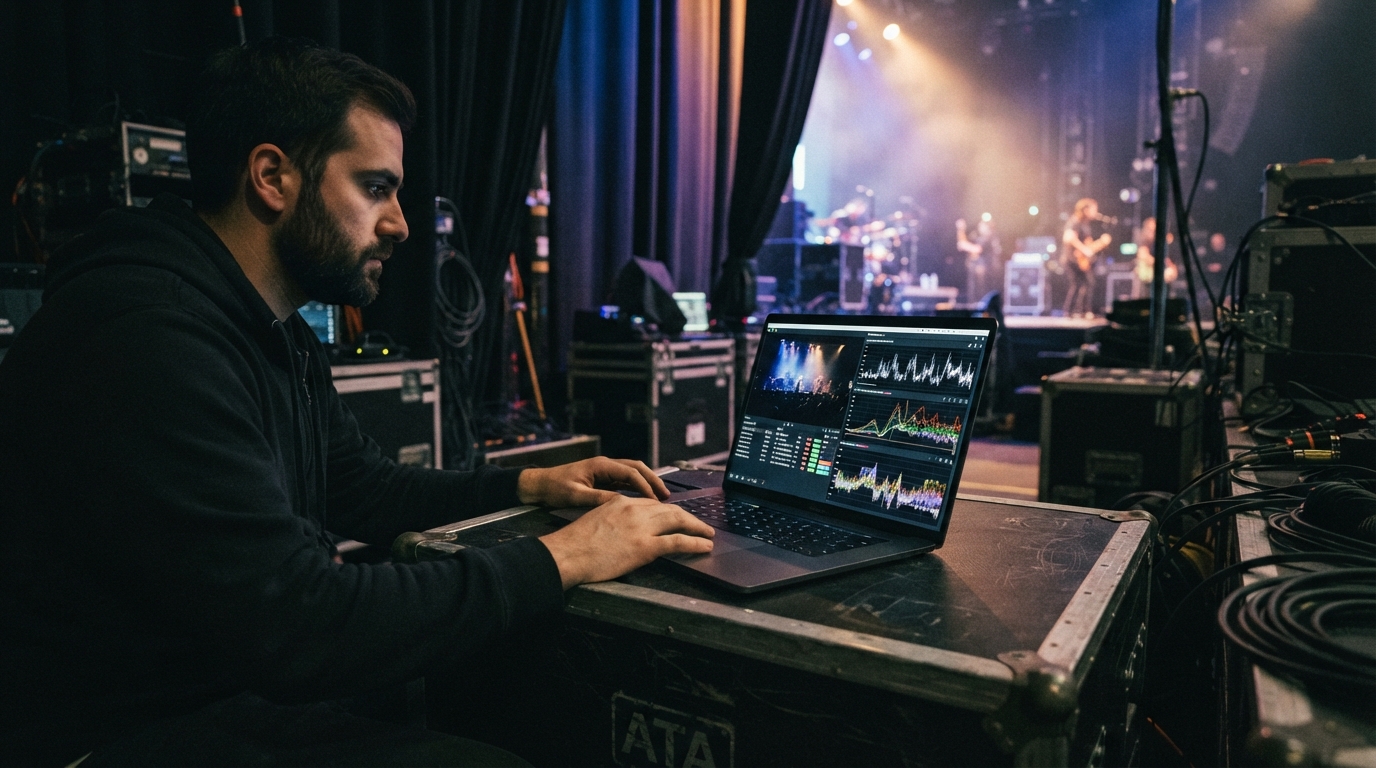
- Remote and distributed production. Cameras at the venue, production crew somewhere else entirely. This is the single biggest driver of SRT adoption, and it only works because contribution latency dropped far enough to make remote switching practical.
- Contribution over bonded cellular. Mobile uplinks lose packets constantly. SRT's recovery window is what turns "unusable" into "on air".
- Long-haul international feeds. High RTT plus real loss is precisely the scenario SRT was designed for, at a fraction of satellite cost.
- Anything requiring encrypted contribution. Sports rights, pre-release material, regulated internal communications.
- Backhaul between facilities. Studio to playout, playout to cloud, cloud to partner.
If you are choosing a platform for this kind of work, our guide on picking a streaming platform for live events covers the surrounding decisions.
Mistakes people make with SRT
- Leaving latency at the default. The default is a starting point, not a setting. Measure RTT and loss on the actual link, then tune.
- Setting latency too low to feel clever. A 20 ms buffer on a mobile uplink is not low latency, it is a broken picture.
- Expecting it to fix bandwidth problems. SRT recovers from loss and jitter. It cannot invent capacity you do not have. If the uplink is genuinely too narrow, lower the bitrate.
- Forgetting the passphrase is optional. Encryption is only on if you turn it on.
- Trying to serve viewers with it. It is contribution. Transcode and package to HLS or DASH for delivery, always.
- Not testing on the real network. SRT looks flawless on a LAN. The venue Wi-Fi at 18:55 is the only test that counts.
Getting started
You need three things: an encoder that speaks SRT, an ingest endpoint that listens, and ten minutes of measurement.
- Measure the link.
pingyour ingest region for RTT, and check loss under real conditions — during the event's load, not at 9am on an empty network. - Set latency to roughly 3–4× RTT, more if loss is above about 1%.
- Configure caller mode on the encoder, pointing at your platform's listener endpoint, with a passphrase if the content warrants one.
- Match the bitrate to the uplink, with headroom. Retransmissions need spare capacity to travel in — running at 100% of available bandwidth defeats the entire mechanism.
- Watch the statistics. SRT reports retransmission rate and buffer levels. Rising retransmissions with a stable picture means it is working; dropped packets after retransmission means your latency budget is too small.
Point 4 is the one that catches experienced people out. SRT needs room to repair. An encoder configured to saturate the uplink has left no bandwidth for the recovery that makes SRT worth using.
Frequently asked questions
Is SRT better than RTMP? Technically, in almost every respect. Practically, RTMP still wins whenever universal compatibility matters more than quality or latency. Most platforms accept both, and most operators use both.
Does SRT replace HLS? No — they do different jobs. SRT carries video into your platform; HLS carries it out to viewers. A normal live workflow uses SRT for contribution and HLS for delivery.
What latency can I realistically expect? For contribution alone, typically 100–800 ms depending on the link and your buffer. End-to-end latency to the viewer is then dominated by packaging and delivery, so expect the usual few seconds unless you are running a low-latency delivery stack.
Do I need special hardware? No. OBS and FFmpeg both speak SRT and cost nothing. Hardware encoders help with reliability and power draw at scale, not with protocol support.
Is SRT free to use? Yes — open source, royalty-free, no per-stream licensing. That is a large part of why adoption moved so quickly.
SRT did not win because it was the most sophisticated option. It won because it was open, free, solved a genuinely painful problem, and arrived exactly when remote production stopped being an experiment and became how live video is made.
If you are running live events and want contribution and delivery handled as one pipeline rather than two problems, Teyuto takes the stream in and gets it to your audience on every device. Start free and put a real event through it.