

Enable Multiple Languages
You can extend a multilingual experience to your audience by enabling different languages on your channel. At present, Teyuto supports English, Italian, Spanish, French, Portuguese, and German as a channel’s enabled languages.
By default, English is the enabled language on every channel. However, Premium or Teyuto Prime members can enable multiple languages by following the below-mentioned steps.
Note: Enabling multiple languages won’t extend a multilingual experience until you activate multilanguage via your channel editor and add content for respective languages. To learn how to do so, visit our “Adding Multiple Languages” guide here.
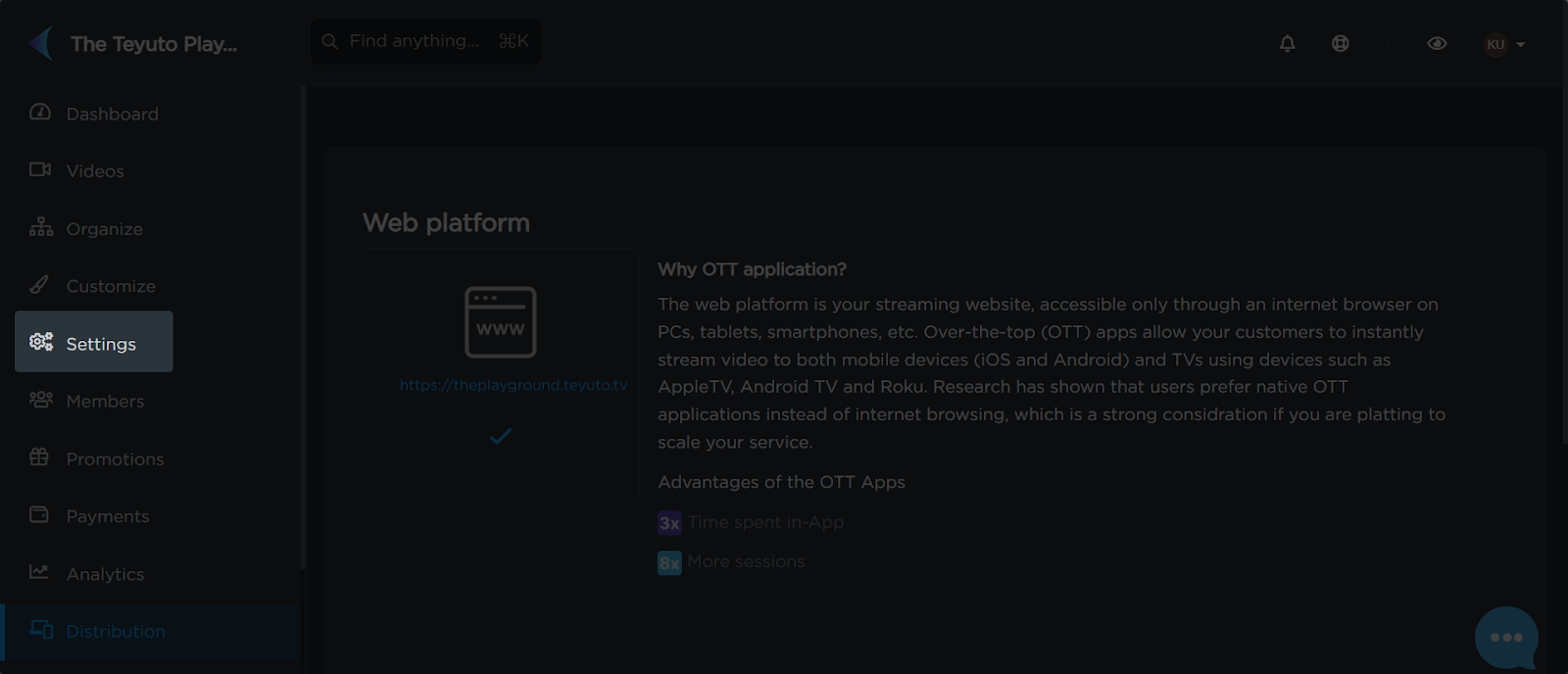
- Click on the Settings Option
First, click on the “Settings” option in the left menu bar.
- Scroll Down to the “Enabled Languages” Section
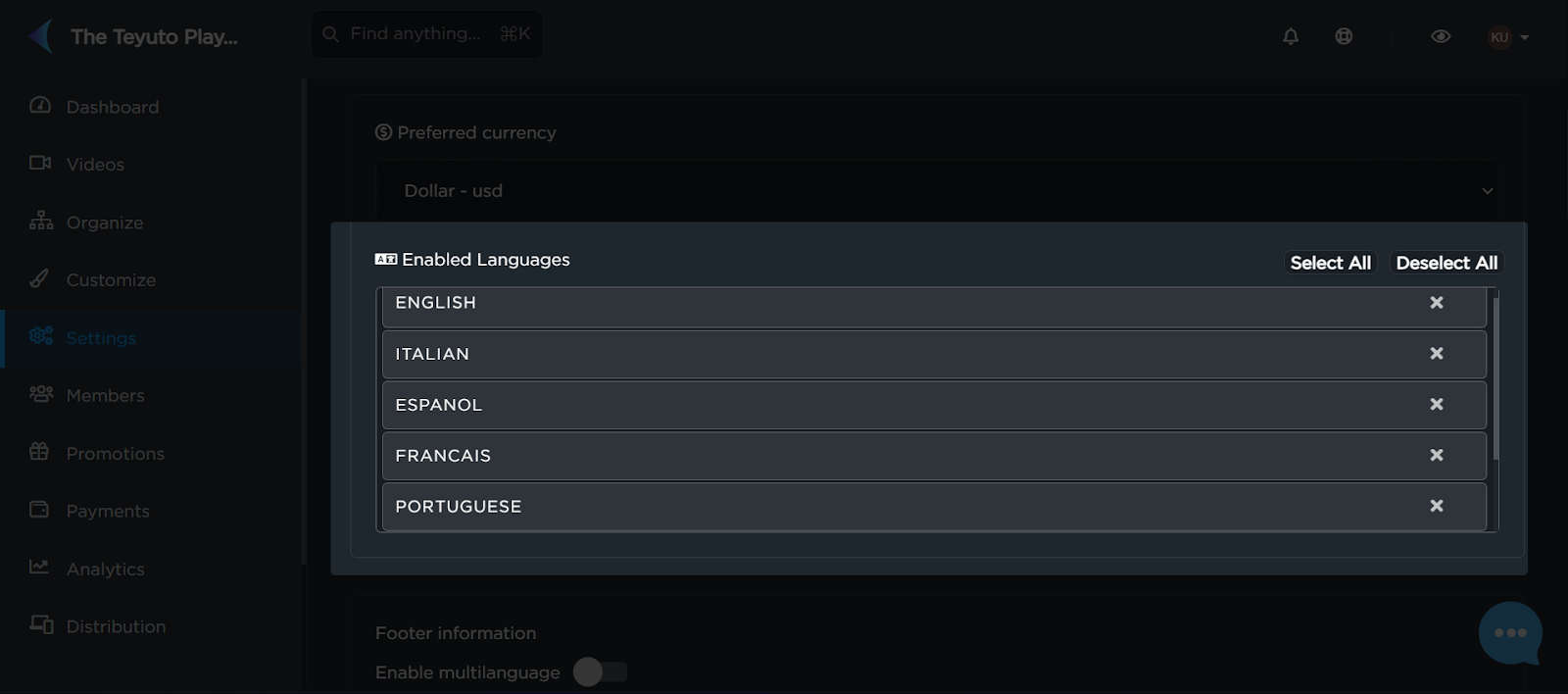
- Select Your Desired Languages
Select all of your desired languages from the options. You can make group selections using the “Select All” and “Deselect All” buttons on the top-right corner.
- Press Save
Scroll down to the bottom of General Settings to save your changes.
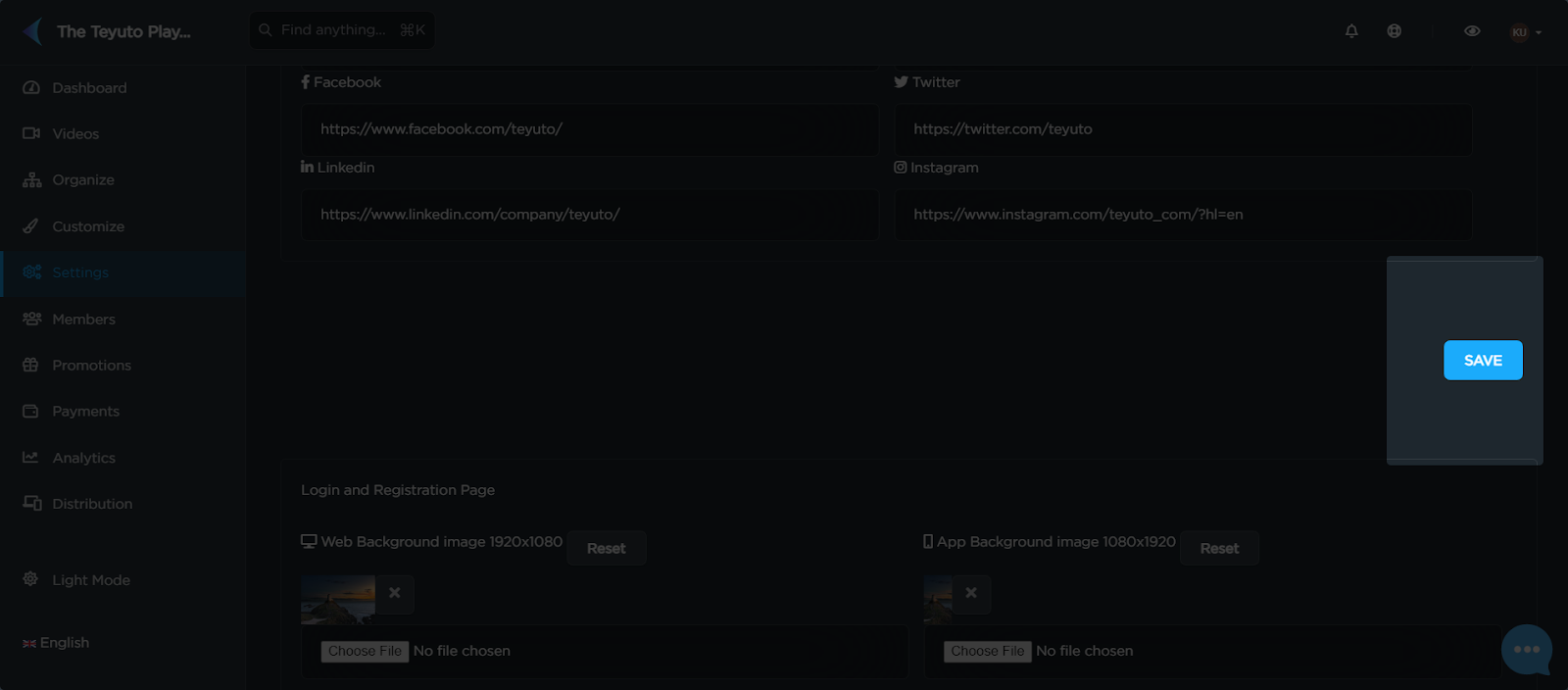
After clicking save, you can add text to your pages in different languages.